
10 Website Design Mistakes That Are Killing Your SEO Rankings
You’ve spent countless hours perfecting your website’s content, researching keywords, and building backlinks, but your search engine rankings remain stubbornly low. What gives? The culprit might be hiding in plain sight: your website design. Many business owners don’t realize that design choices can make or break their SEO efforts, creating invisible barriers that prevent search engines from properly crawling, indexing, and ranking their sites.
As someone who’s audited hundreds of websites over the years, I’ve seen the same design mistakes repeatedly sabotage otherwise solid SEO strategies. The good news? Most of these issues are completely fixable once you know what to look for. Let’s dive into the ten most common website design mistakes that could be silently destroying your search engine visibility.
1. Slow Loading Speeds That Test Everyone’s Patience
Page speed isn’t just about user experience anymore – it’s a direct ranking factor that Google takes seriously. When your website takes more than three seconds to load, you’re not just losing visitors; you’re sending a clear signal to search engines that your site isn’t worth prioritizing.
The biggest speed killers I encounter are oversized images, bloated code, and excessive plugins. That stunning hero image might look amazing, but if it’s 5MB and takes forever to load, it’s doing more harm than good. Similarly, websites built with page builders often carry unnecessary code baggage that slows everything down.

To fix this, start by compressing your images using tools like TinyPNG or WebP format. Minimize your CSS and JavaScript files, and consider using a content delivery network (CDN) to serve your content faster globally. Remember, every millisecond counts in the speed game.
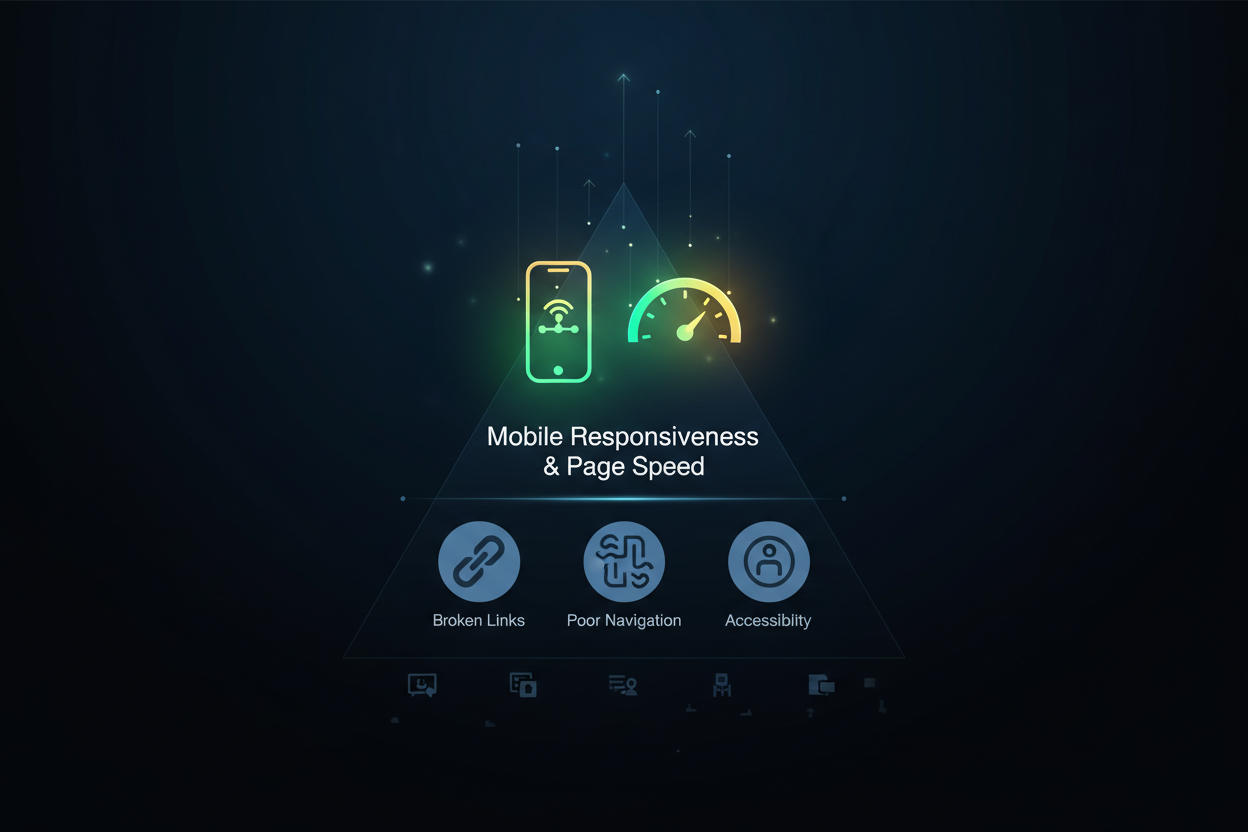
2. Mobile Responsiveness Issues in a Mobile-First World
Google switched to mobile-first indexing years ago, meaning they primarily use your mobile site’s content for ranking and indexing. Yet I still encounter websites that look fantastic on desktop but fall apart on mobile devices. Tiny text, overlapping elements, and horizontal scrolling aren’t just annoying – they’re SEO killers.
The most common mobile mistakes include using fixed-width layouts, buttons that are too small to tap easily, and content that doesn’t scale properly across different screen sizes. These issues create a poor user experience that search engines can detect through metrics like bounce rate and time on page.
Test your website on various devices and screen sizes regularly. Use Google’s Mobile-Friendly Test tool to identify specific issues, and ensure your design adapts seamlessly from desktop to tablet to smartphone. Your mobile users – and Google – will thank you.
3. Poor Navigation Structure That Confuses Users and Crawlers
Your website’s navigation is like a roadmap for both users and search engine crawlers. When that roadmap is confusing, incomplete, or broken, everyone gets lost. I’ve seen websites with navigation menus so complex that even I couldn’t figure out how to find basic information, let alone a search engine bot.
Common navigation mistakes include having too many menu levels, using vague labels like “Services” without subcategories, and creating orphaned pages that aren’t linked from anywhere. These issues make it difficult for search engines to understand your site’s structure and determine which pages are most important.
Keep your navigation simple and logical. Use descriptive labels that clearly indicate what users will find when they click. Implement breadcrumb navigation to help both users and search engines understand page hierarchy. Most importantly, ensure every important page is accessible within three clicks from your homepage.
4. Missing or Poorly Optimized Title Tags and Meta Descriptions
Title tags and meta descriptions are your website’s first impression in search results, yet many designers treat them as an afterthought. I regularly find websites with generic titles like “Home” or “About Us” that tell search engines absolutely nothing about the page content.
Even worse are websites where every page has the same title tag, or where meta descriptions are completely missing. These elements are crucial for both SEO rankings and click-through rates from search results. A compelling meta description can be the difference between someone clicking on your result or scrolling past it.
Each page should have a unique, descriptive title tag that includes relevant keywords and stays under 60 characters. Meta descriptions should be around 155 characters and provide a compelling preview of what users will find on the page. Think of them as mini-advertisements for your content.
5. Image Optimization Oversights That Waste Opportunities
Images are often the largest files on websites, yet they’re frequently the most neglected when it comes to SEO optimization. Beyond file size issues, I see websites with images that have filenames like “IMG_1234.jpg” and completely missing alt text. These oversights represent massive missed opportunities.
Search engines can’t “see” images the way humans do, so they rely on alt text, filenames, and surrounding content to understand what images contain. When these elements are missing or poorly optimized, you’re essentially making your images invisible to search engines.
Use descriptive filenames that include relevant keywords, add meaningful alt text that describes the image content, and include captions when appropriate. Also, consider using next-generation image formats like WebP that provide better compression without sacrificing quality. These small changes can significantly improve both your page speed and image search visibility.
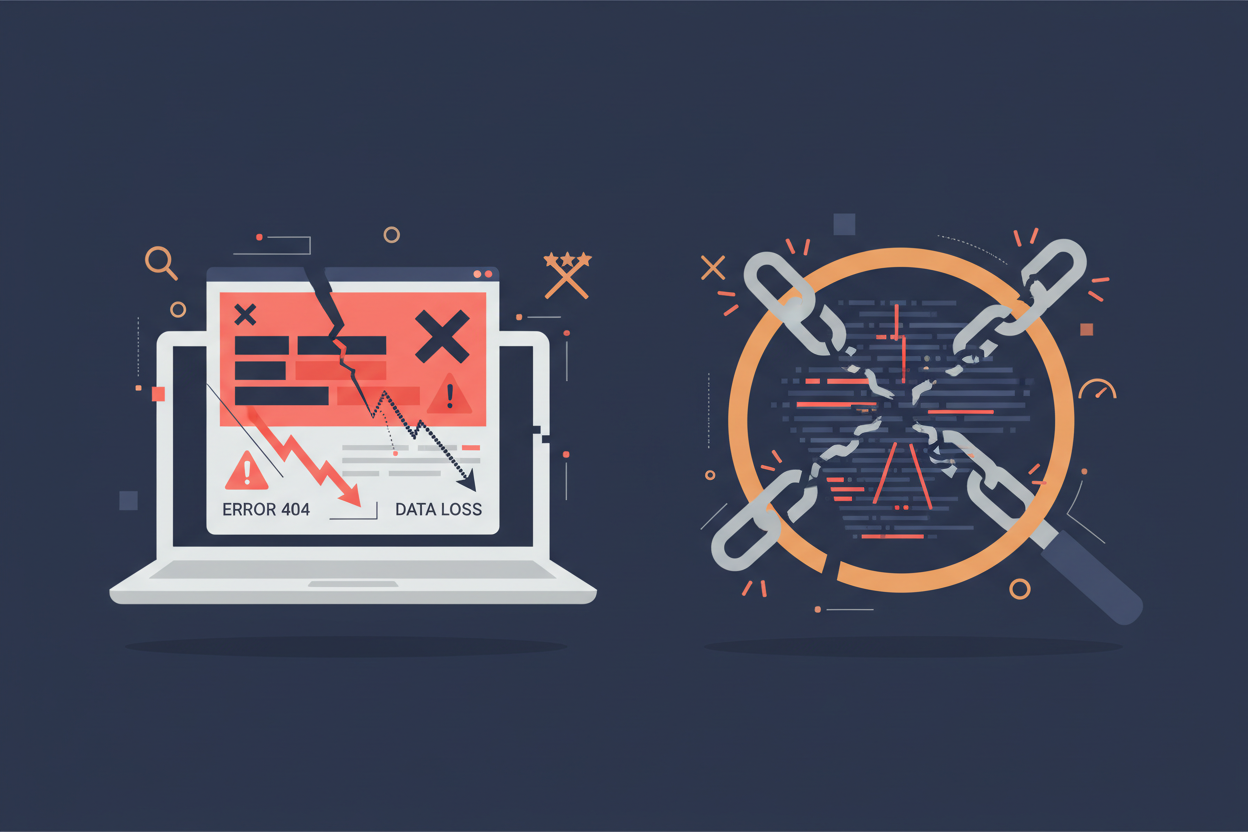
6. Broken Links and 404 Errors That Damage User Trust
Nothing screams “unprofessional” quite like clicking a link and landing on a 404 error page. Broken links don’t just frustrate users; they also waste the “link juice” that could be helping your SEO efforts. When search engine crawlers encounter too many broken links, they may crawl your site less frequently or view it as poorly maintained.
Broken links often occur during website redesigns when URLs change, or when external sites you’ve linked to move or delete their content. Internal broken links are particularly damaging because they’re entirely within your control and suggest poor site maintenance.
Regularly audit your website for broken links using tools like Screaming Frog or Google Search Console. Set up proper 301 redirects when you change URLs, and create a custom 404 page that helps users find what they’re looking for instead of just showing an error message.
7. Duplicate Content Issues That Confuse Search Engines
Duplicate content is like giving search engines multiple choice questions without indicating the correct answer. When the same content appears on multiple pages or URLs, search engines struggle to determine which version to rank, often resulting in none of them ranking well.
This issue commonly occurs with e-commerce sites that have multiple URLs for the same product, or websites that create separate mobile versions without proper canonical tags. Content management systems can also inadvertently create duplicate content through category pages, tag pages, and archive pages.
Use canonical tags to indicate the preferred version of duplicate content, implement proper URL structure to avoid multiple URLs for the same content, and regularly audit your site for unintentional duplication. When you do have similar content across multiple pages, make sure each version provides unique value.
8. Lack of Internal Linking Strategy
Internal links are like highways that connect different parts of your website, helping search engines understand your content relationships and distribute ranking power throughout your site. Yet many websites treat internal linking as an afterthought, missing opportunities to boost their overall SEO performance.
The most common internal linking mistakes include not linking to important pages from high-authority pages, using generic anchor text like “click here,” and creating pages that exist in isolation without any internal links pointing to them. These oversights make it difficult for search engines to discover and properly value your content.
Develop a strategic approach to internal linking by identifying your most important pages and ensuring they receive links from relevant, high-authority pages on your site. Use descriptive anchor text that includes relevant keywords, and regularly audit your internal link structure to identify opportunities for improvement.
9. Ignoring Technical SEO Elements in Design
Beautiful design means nothing if search engines can’t properly crawl and index your website. Technical SEO elements like XML sitemaps, robots.txt files, and schema markup are often overlooked during the design process, yet they’re crucial for search engine visibility.
I frequently encounter websites with missing XML sitemaps, robots.txt files that accidentally block important content, and complete absence of structured data markup. These technical elements help search engines understand your site structure and content context, making them essential for good rankings.
Ensure your website has a properly configured XML sitemap that includes all important pages, create a robots.txt file that guides search engine crawling appropriately, and implement relevant schema markup to help search engines understand your content type. These technical foundations support all your other SEO efforts.
10. Poor URL Structure That Misses SEO Opportunities
URLs are often the first thing search engines and users see about your pages, yet many websites use URL structures that provide no useful information. Generic URLs like “yoursite.com/page1” or unnecessarily complex URLs with random parameters tell search engines nothing about your content.
Poor URL structure also includes using excessive subdirectories, dynamic parameters that create multiple URLs for the same content, and URLs that don’t match the page content. These issues make it harder for both search engines and users to understand what they’ll find on each page.
Create clean, descriptive URLs that include relevant keywords and accurately reflect your page content. Keep them as short as possible while remaining descriptive, use hyphens to separate words, and maintain a logical hierarchy that mirrors your site structure. Good URLs should be readable and understandable even without seeing the page content.
Conclusion: Design with SEO in Mind from Day One
The relationship between website design and SEO isn’t optional – it’s fundamental to online success. Every design decision you make has potential SEO implications, from the images you choose to the navigation structure you implement. The good news is that most of these issues are completely preventable when you approach design with SEO awareness from the beginning.
Rather than treating SEO as an afterthought, integrate these considerations into your design process. Work with designers and developers who understand SEO principles, regularly audit your website for these common mistakes, and remember that good SEO often aligns with good user experience. When your website is fast, mobile-friendly, well-structured, and technically sound, both users and search engines will reward you with better engagement and higher rankings.
Don’t let preventable design mistakes sabotage your SEO efforts. Take the time to address these issues, and you’ll likely see improvements in both your search engine rankings and user satisfaction. After all, a website that works well for users almost always works well for search engines too.
Frequently Asked Questions
How long does it take to see SEO improvements after fixing website design issues?
The timeline varies depending on the severity of the issues and how quickly search engines recrawl your site. Minor fixes like optimizing images or fixing broken links might show results within a few weeks, while major structural changes could take 3-6 months to fully impact rankings. Technical improvements like page speed often show faster results than content-related changes.
Can I fix these design mistakes on an existing website, or do I need a complete redesign?
Most of these issues can be fixed without a complete redesign. Problems like slow loading speeds, missing meta descriptions, and broken links are typically addressable through targeted updates. However, if your site has fundamental structural issues or isn’t mobile-responsive, a redesign might be more cost-effective than extensive modifications.
Which of these design mistakes has the biggest impact on SEO rankings?
Page speed and mobile responsiveness tend to have the most immediate and significant impact since they’re direct ranking factors. However, the combination of multiple issues often compounds the problem. It’s best to prioritize based on your specific situation – fix the most severe issues first, then work through the remaining problems systematically.
How can I check if my website has these design problems?
Start with free tools like Google Search Console, Google PageSpeed Insights, and Google’s Mobile-Friendly Test. These will identify many common issues. For more comprehensive analysis, consider tools like Screaming Frog for technical SEO audits, or hire an SEO professional to conduct a thorough website audit.
Do these design mistakes affect all types of websites equally?
While these principles apply to all websites, the impact varies by industry and competition level. E-commerce sites might be more affected by slow loading speeds and poor mobile experience, while local businesses might see bigger impacts from technical SEO issues. However, every website benefits from addressing these fundamental design and SEO principles.
0 Comments